
Reseller dashboard
One workspace for the daily work of running your store.
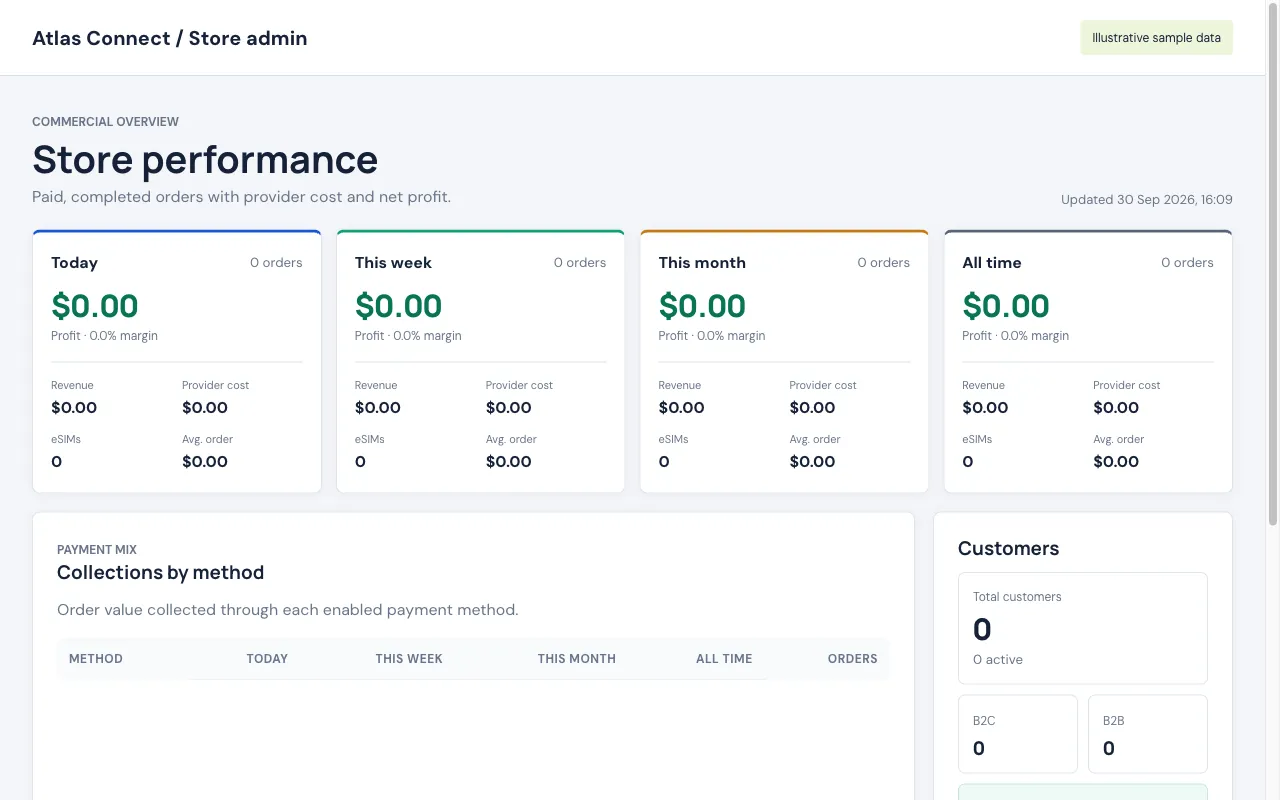
Start in your own store
After account and store creation, merchants go directly to their store admin. Customer checkout remains on the storefront; staff administration uses the central platform app.
Check the operating essentials
Review orders and eSIM states, find a customer, inspect package buying prices and check the available wholesale balance. Different views answer different operational questions instead of combining unrelated totals.
Give staff appropriate access
Store administrators can assign granular permissions to additional admin users. Restrict financial actions and payment settings to people who need them. Hiding a menu is not a substitute for the permission checks.
Escalate with context
Open a Support ticket to the platform team with the issue type, a single eSIM order reference and a clear message. Keep activation details and customer credentials out of public channels.
Make the store your own.
$0 setup. $0 monthly hosting. Your brand and your prices.