
Sales and balance reporting
Use recorded orders and ledger movements as the starting point for decisions.
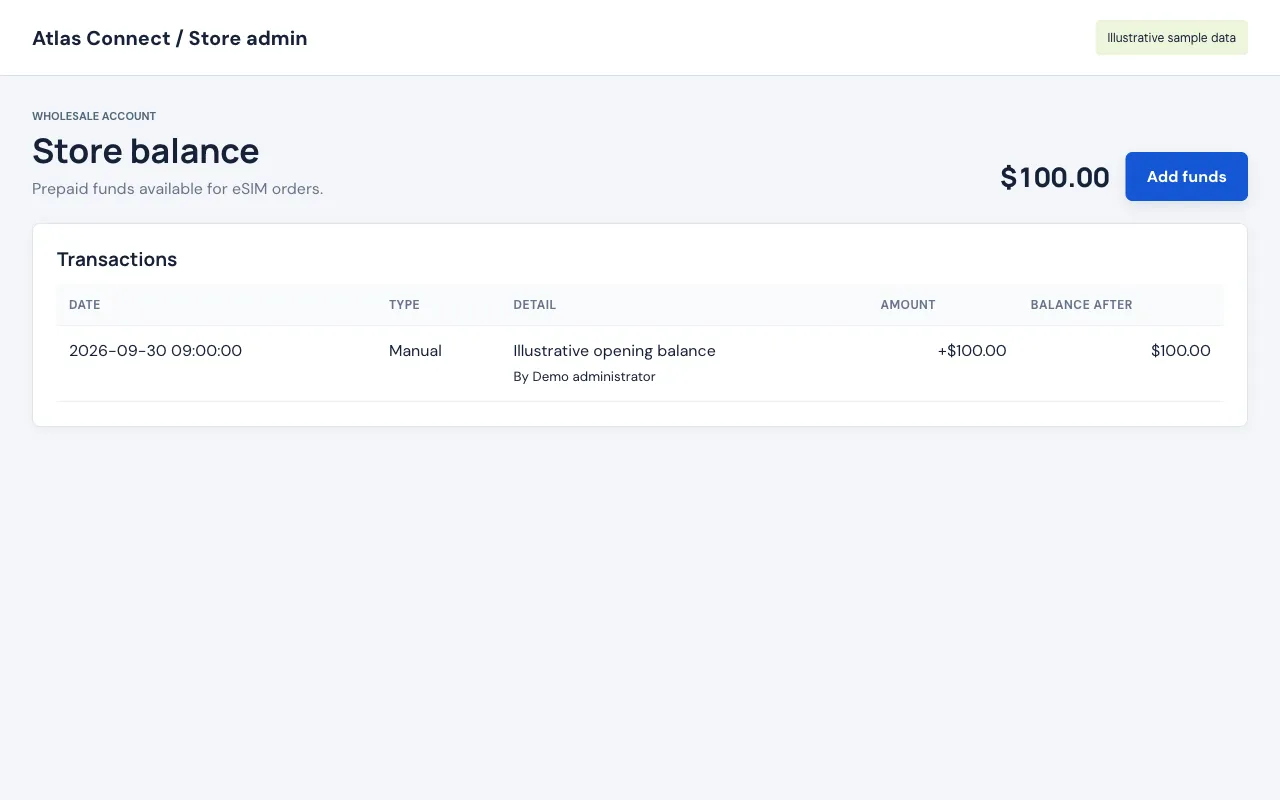
Start with paid activity
The operational order views focus on paid, completed activity and relevant refunds. A checkout attempt is not a sale, and an abandoned payment is not revenue.
Reconcile the ledger
The store balance shows wholesale debits, funding and adjustments. Customer B2B wallets are separate accounts. Do not combine the two when checking available purchasing power.
Compare price and cost
Review order selling amounts and the associated store buying costs. Include payment fees and support expense in your own profitability calculation rather than treating gross spread as net profit.
Understand the reporting boundary
These are operational records, not a full attribution platform or tax accounting package. Export available records for your accountant and use your own analytics setup for acquisition measurement.
Make the store your own.
$0 setup. $0 monthly hosting. Your brand and your prices.